
The program is completely free – for Windows, Mac, iPhone, iPad and Android.
Windows
Download as MSI package (for deployment in company networks)
Mac, iPhone, iPad
Mac App Store App Store for iPhone and iPad
Android
Google Play for Android (new: version 3.0) Download APK directly
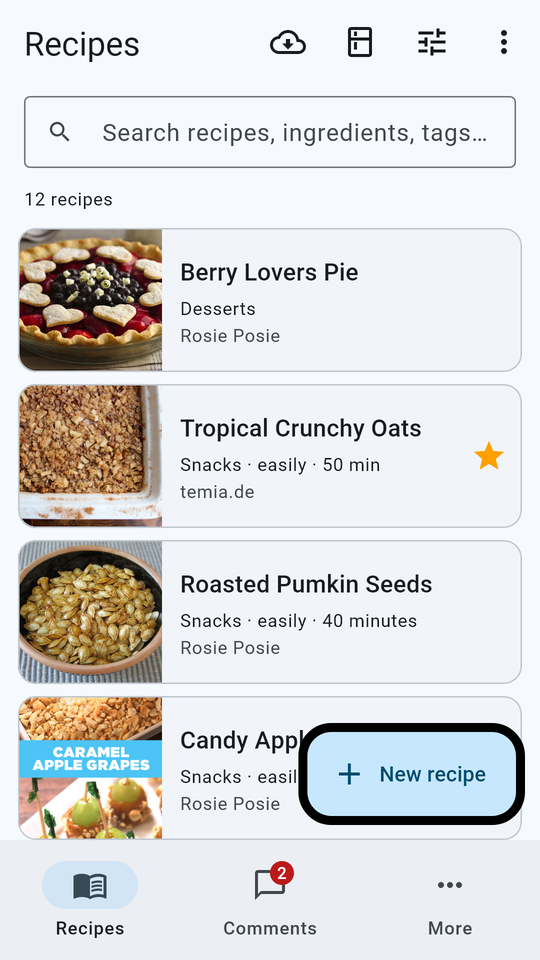
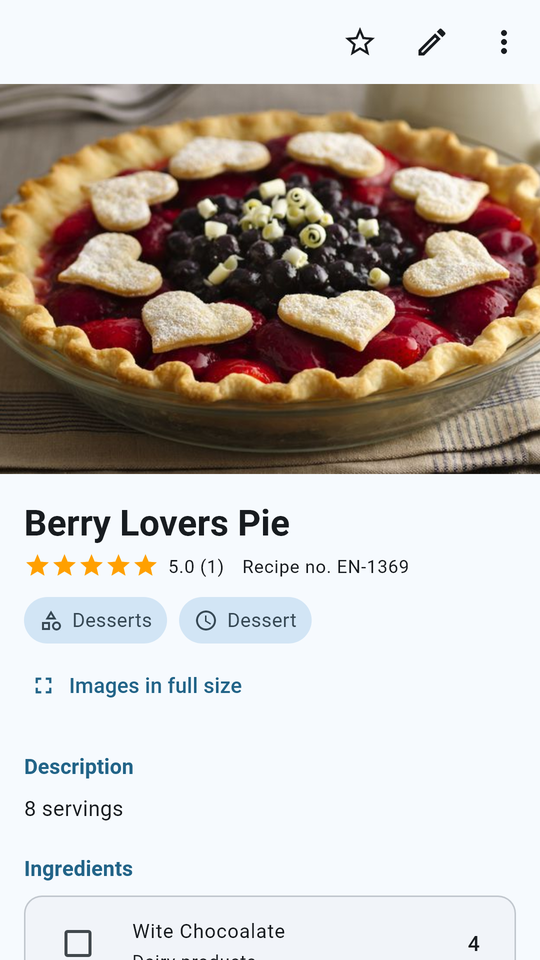
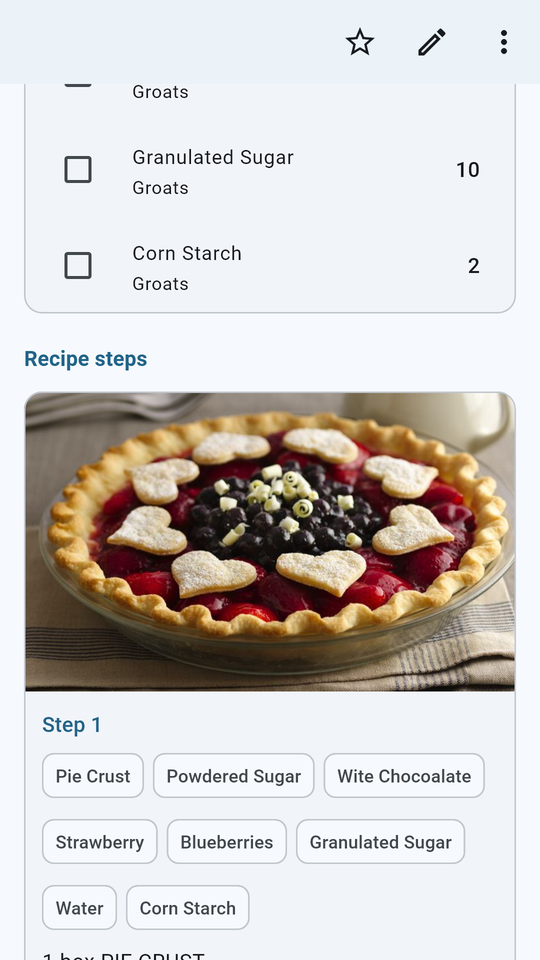
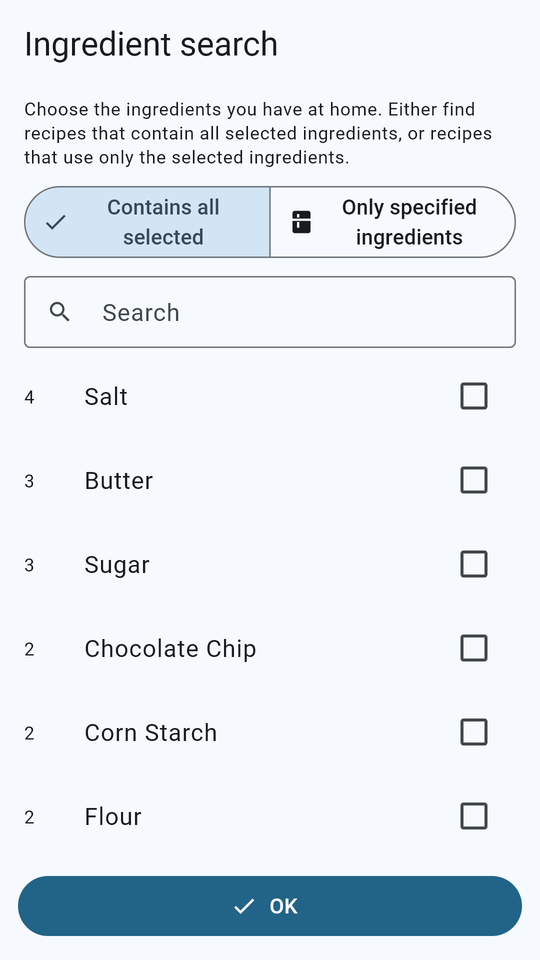
Android app: the same recipes as on the PC – with step-by-step photos, ingredient search, your own recipes and comments. Free, no ads, no registration.
Tutorial 2: Uploading Recipes in All 104 Languages
From version V2.01.19 you can upload your recipes in any of the 104 languages of the program – until now only eleven languages were available. Once approved, your recipe is delivered automatically to everyone who uses the program in that language.
Upload a recipe in your language
Which recipes the program downloads
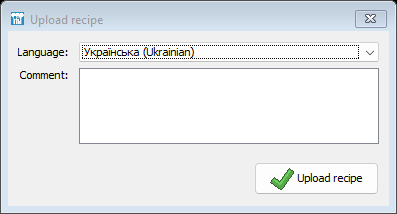
Open your recipe and click “Upload recipe”. The window now lists all 104 languages, each with its own name in its own script followed by its name in your program language, sorted alphabetically. The language you use the program in is preselected. Choose the language your recipe is written in, add a comment for us if you like and click “Upload recipe”.
We review every recipe submitted. As soon as it is published – or if details are still missing – you receive an e-mail in the language of your recipe, now in all 104 languages. The e-mail also contains the links to the program for Windows, Mac, iPhone/iPad and Android.
The program downloads the approved recipes and comments in the language you use it in. If you use the program in Ukrainian, for example, you receive the Ukrainian recipes as soon as they are published.
You can also view all published recipes in your browser: recipes online. These pages are also available in 104 languages.
Simply install the new version over the previous one; your recipes, comments and profile are kept. The program is free of charge – you will find the installer and the MSI package at the top of this page.