Platform: Windows, macOS, Web (browser), Android, iPhone/iPad
Price: free
Link: Download for Windows and Mac
Link: Android app on Google Play
Link: Start Temia AAC in the browser
Link: Documentation
Link: Tutorial
Screenshots
A voice for every child
Temia AAC is an app for augmentative and alternative communication (AAC). Children tap symbols – the app speaks the words and builds sentences from them. Free, no adverts, no account.
Who is Temia for?
For children who do not speak or speak very little – for example with autism, Down syndrome, cerebral palsy, apraxia of speech or developmental delay. And for everyone around them: parents, siblings, nursery staff, teachers and therapists.
You need no prior knowledge. The app is ready to use the moment you open it and already contains more than 200 cards.
Speaking with symbols
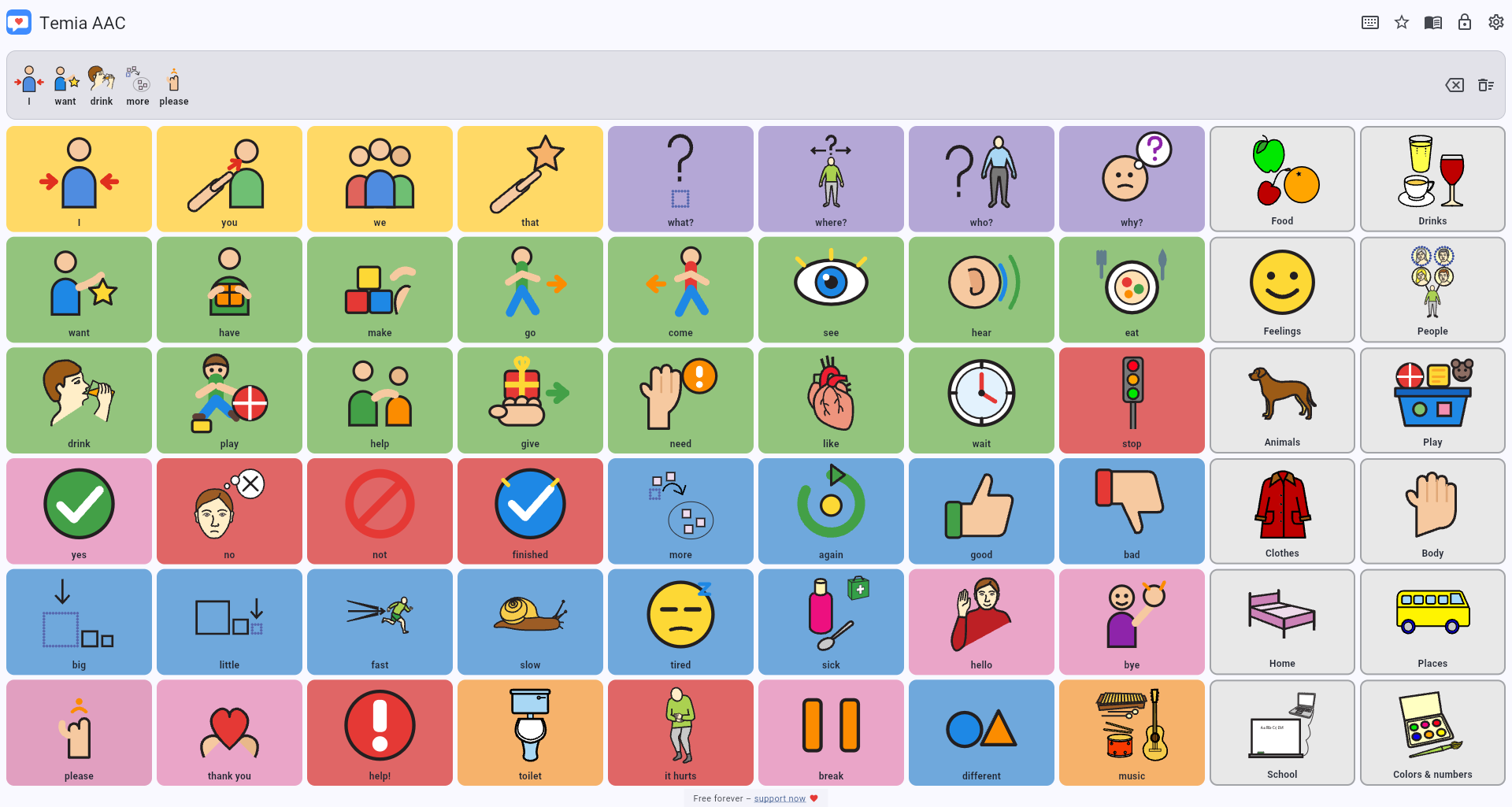
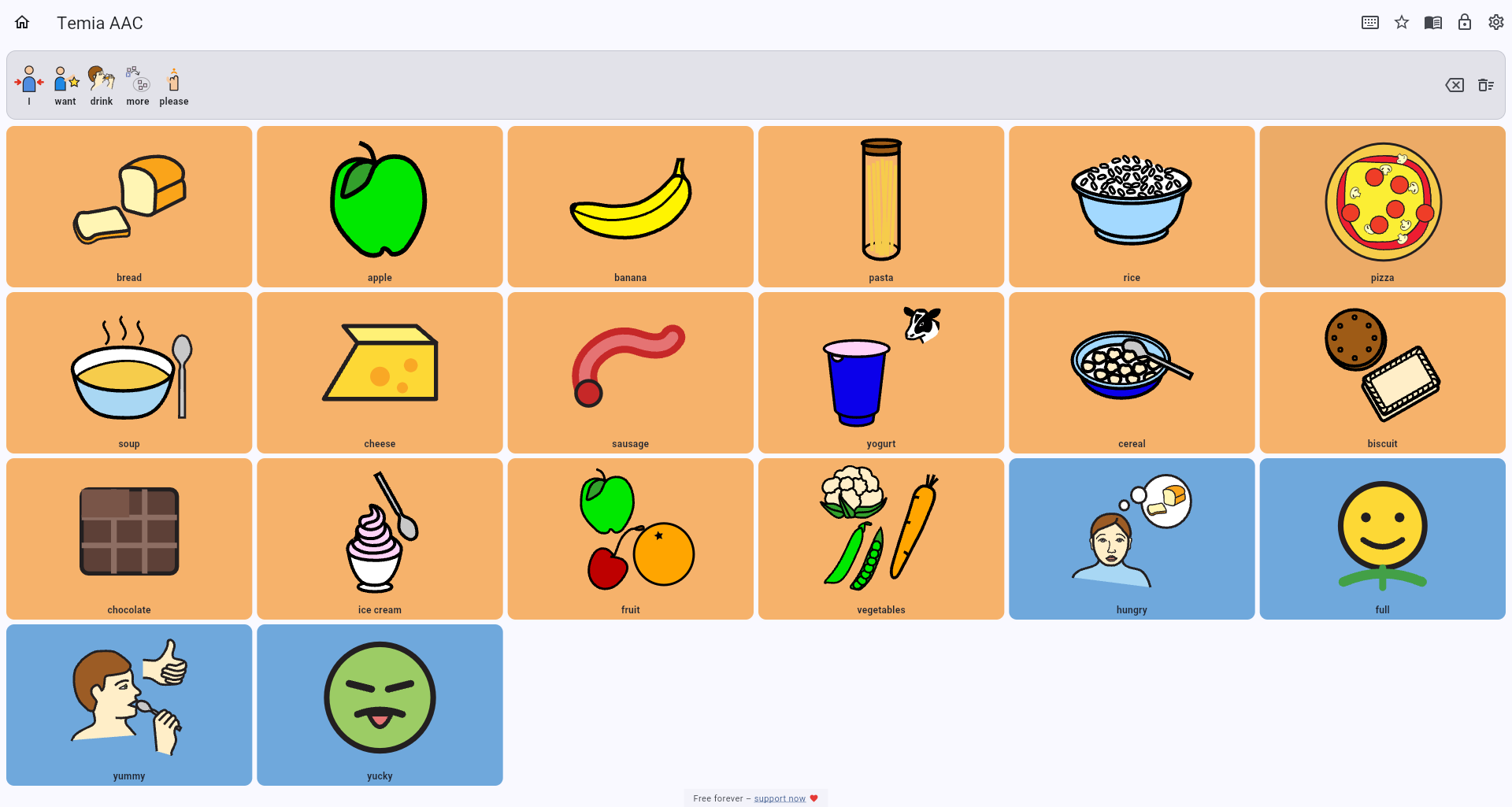
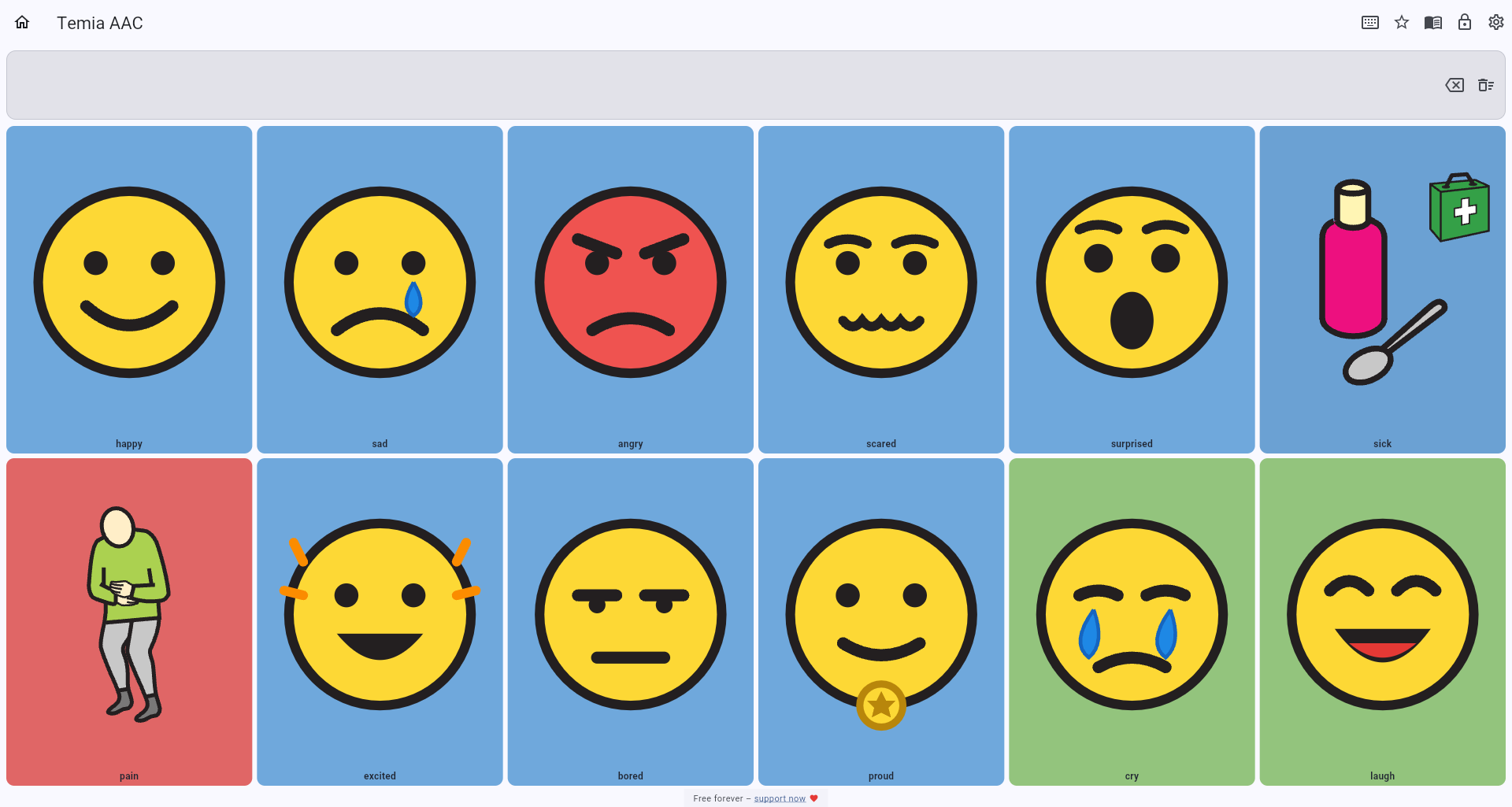
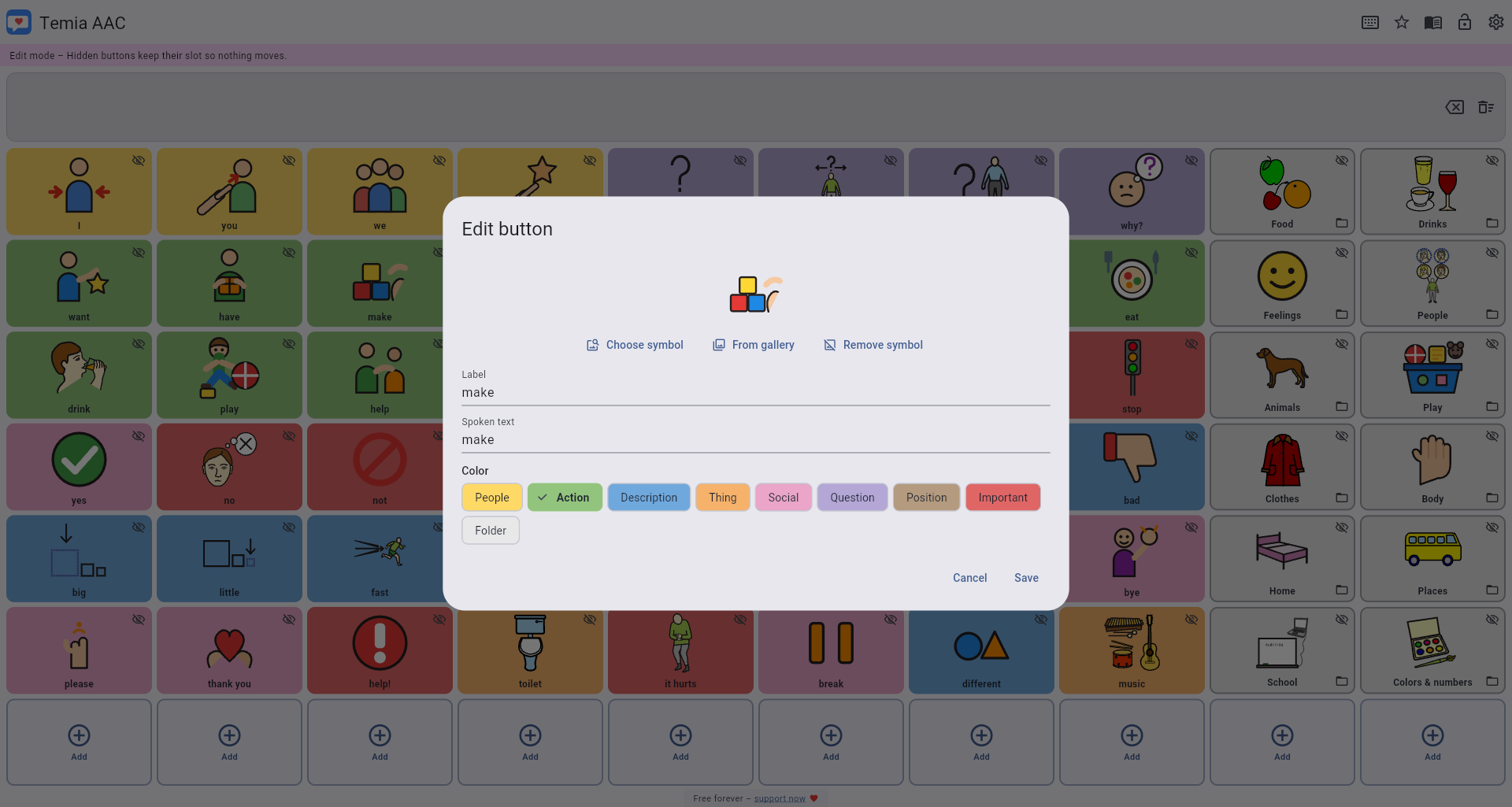
More than 200 cards on 13 pages, colour-coded by word class. One tap speaks the word, the sentence bar speaks the whole sentence.
Everything is editable
Rename cards, use your own photos, choose from 3,400 symbols, create new cards and folders. Edit mode is protected by a PIN so the board cannot be changed by accident in everyday use. Separate profiles can be managed for several children.
Works offline
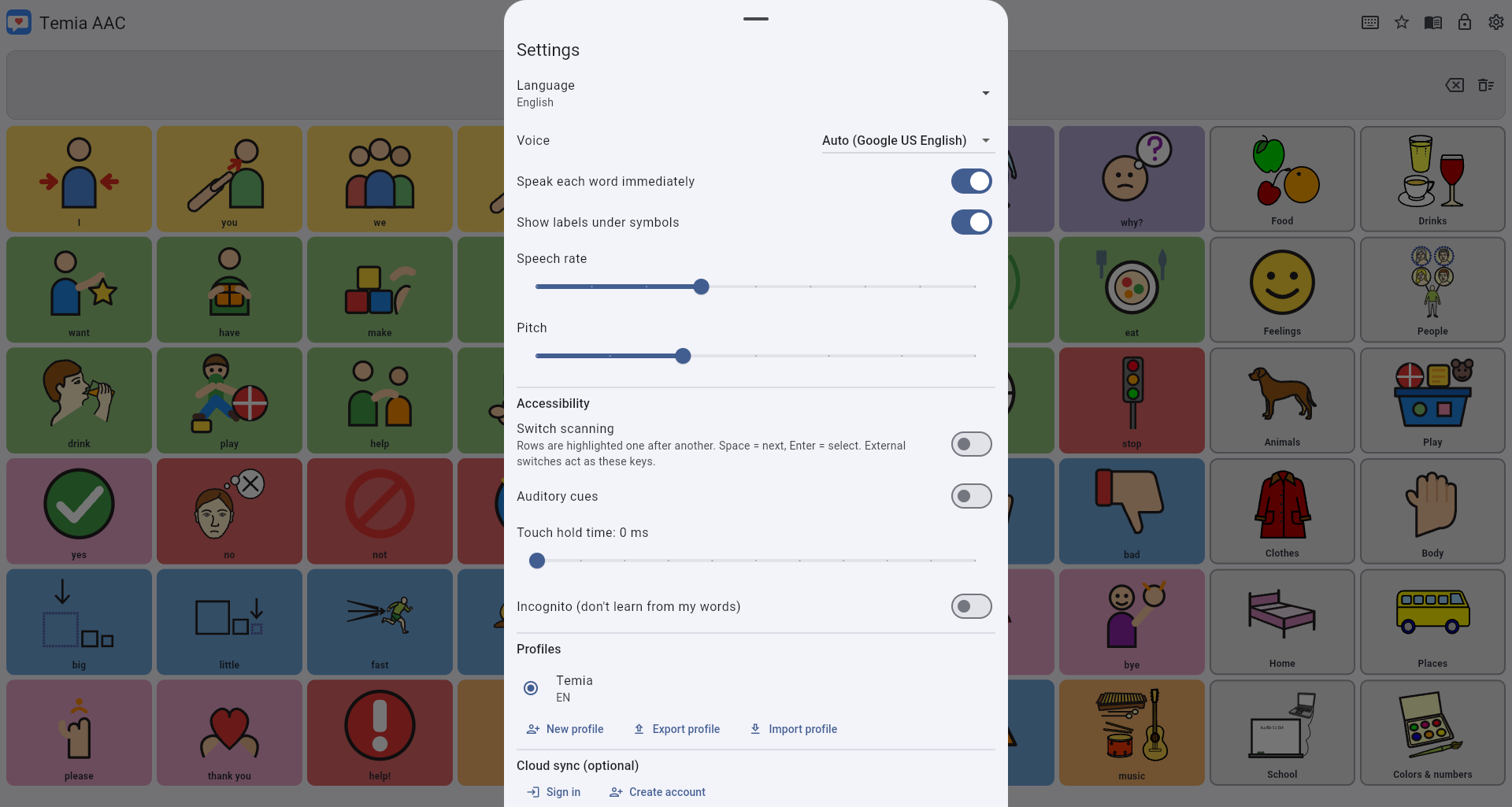
No internet needed. The app starts and speaks in flight mode or without reception. Speech output uses the voices installed on your system. Cloud sync is optional.
100 languages
Interface and card words in 100 languages – from German and English through Chinese, Hindi and Arabic to Wolof and Welsh.
Accessible
Switch scanning, auditory cues, adjustable touch hold time and large fields.
Your data stays yours
Everything is stored on your device. No tracking, no adverts, no account required.
What the board looks like
The colours follow the Fitzgerald key commonly used in augmentative communication. Children can tell from the colour alone what kind of word they are looking at:
Yellow – People (I, you, mum, friend)
Green – Action words (want, eat, play)
Blue – Descriptions (big, tired, more)
Orange – Things (ball, water, book)
Pink – Social words (hello, please, thank you)
Purple – Questions (what?, where?, why?)
Red – Important words (no, help!, stop)
Which devices does Temia run on?
In the browser on any device – simply open temia.online. For Windows 10 and 11 there is a setup file and a portable version, for macOS 10.15 and later a disk image. There are also apps for Android and iPhone/iPad. You can add the web version to your home screen on a phone or tablet; it then starts like a normal app and works offline too.
Free forever
There is no trial period, no subscription, no locked features and no advertising. Anyone who wants to support development may donate voluntarily – it changes nothing about the app.
First steps
1. Open the app – it starts immediately, without signing in.
2. Tap a few symbols and listen.
3. Work through the tutorial and adapt the board to your child.
Documentation
The full documentation with tutorial, frequently asked questions and download instructions is available at temia.online/docs/en.