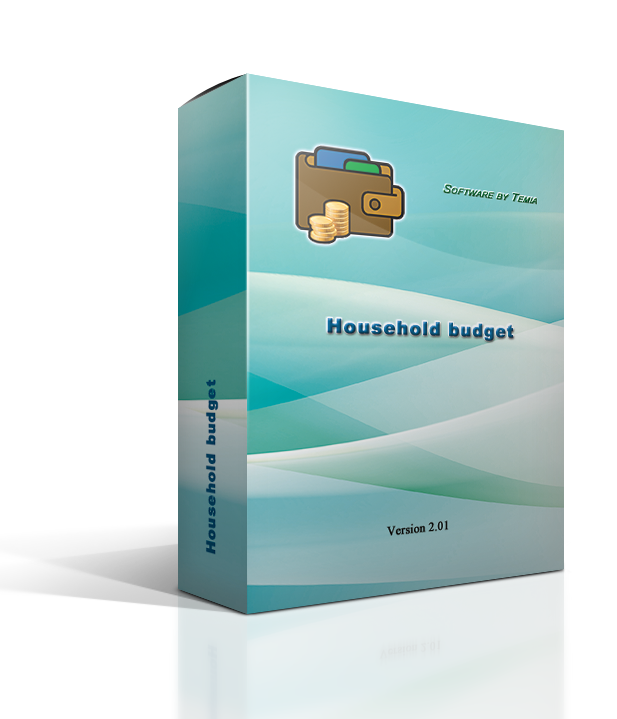
Platform: Windows
Link: Download DEMO-Version (Use free for 30 days)
Link: Download DEMO version as MSI package (for deployment in company networks)
Price: 19,99 €
Mac, iPhone, iPad
Mac App Store App Store for iPhone and iPad
Android
Google Play for Android (new: version 3.0) Download APK directly
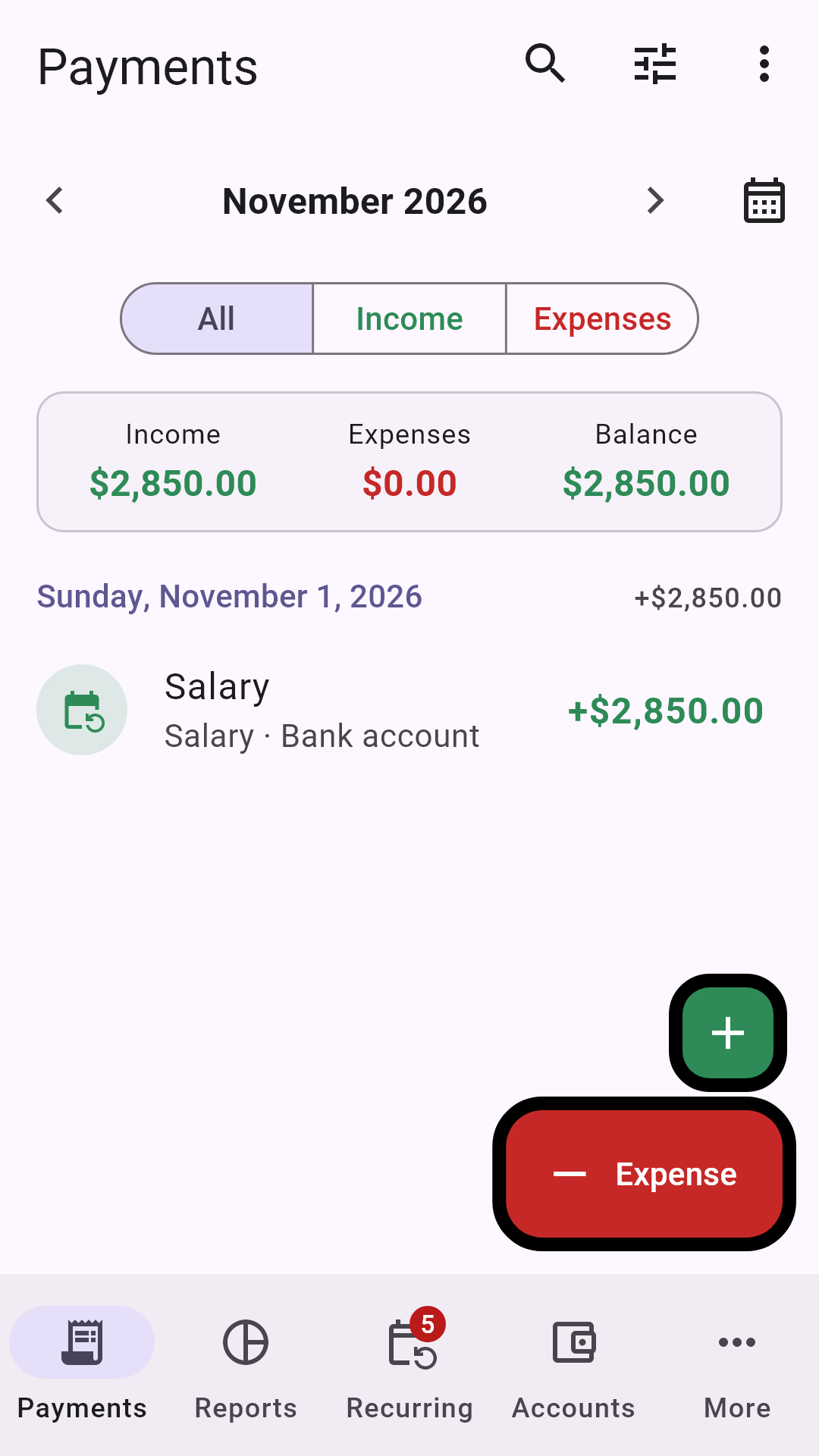
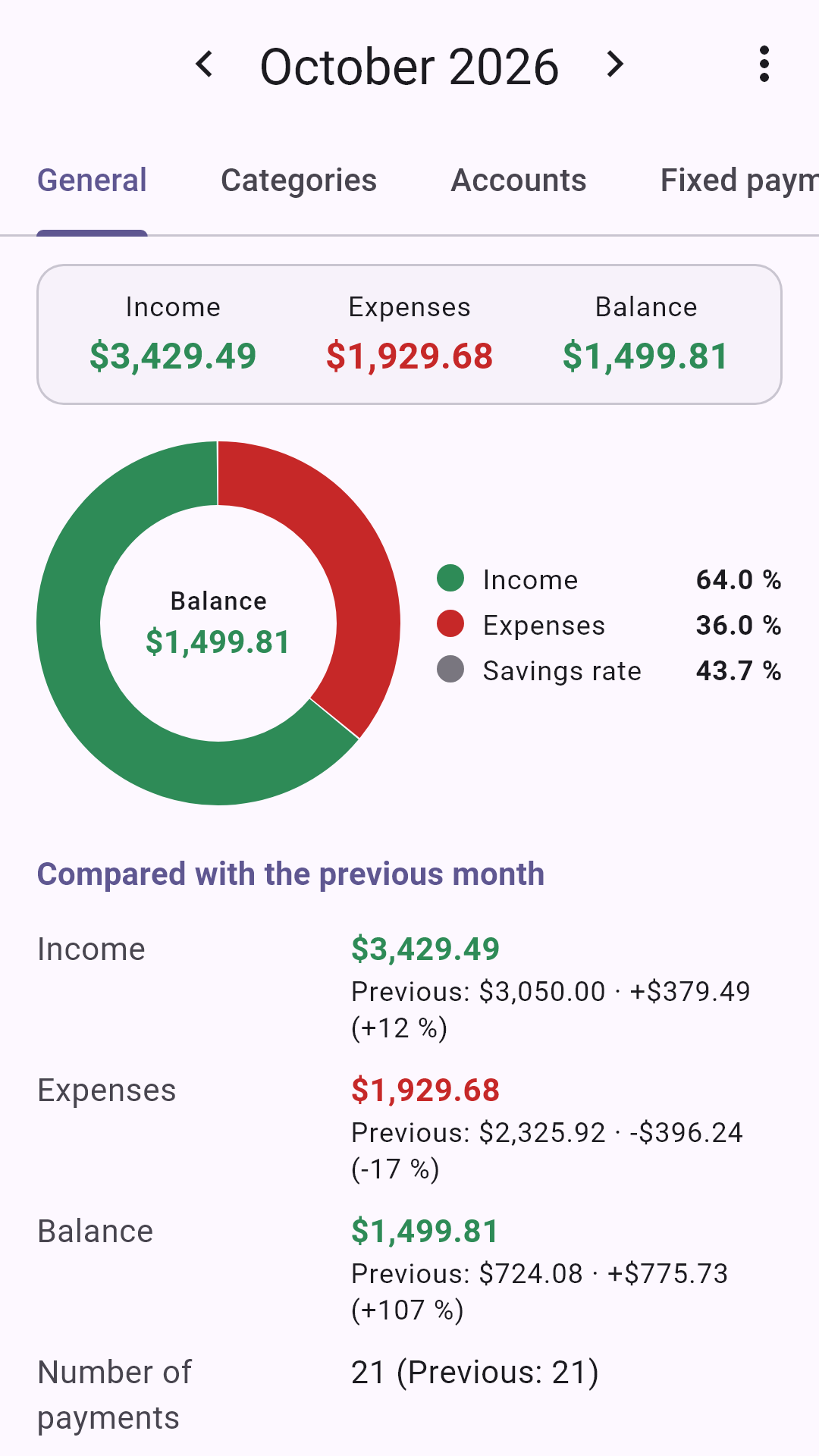
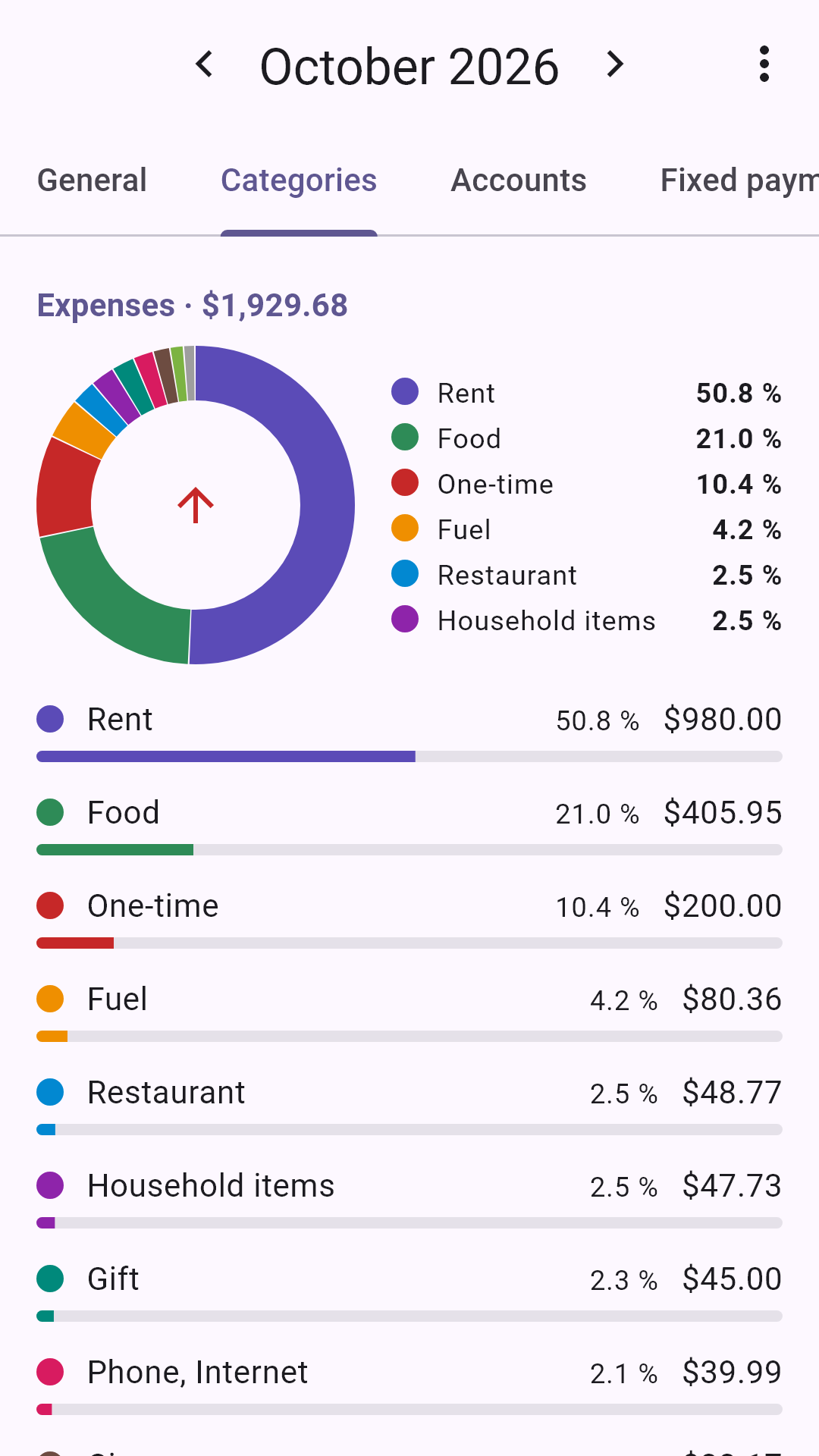
Android app “Household Budget”: income and expenses, fixed payments, accounts, monthly and annual reports with all sections of the desktop version – with PDF, CSV exchange and backup. Free, no ads, no account.
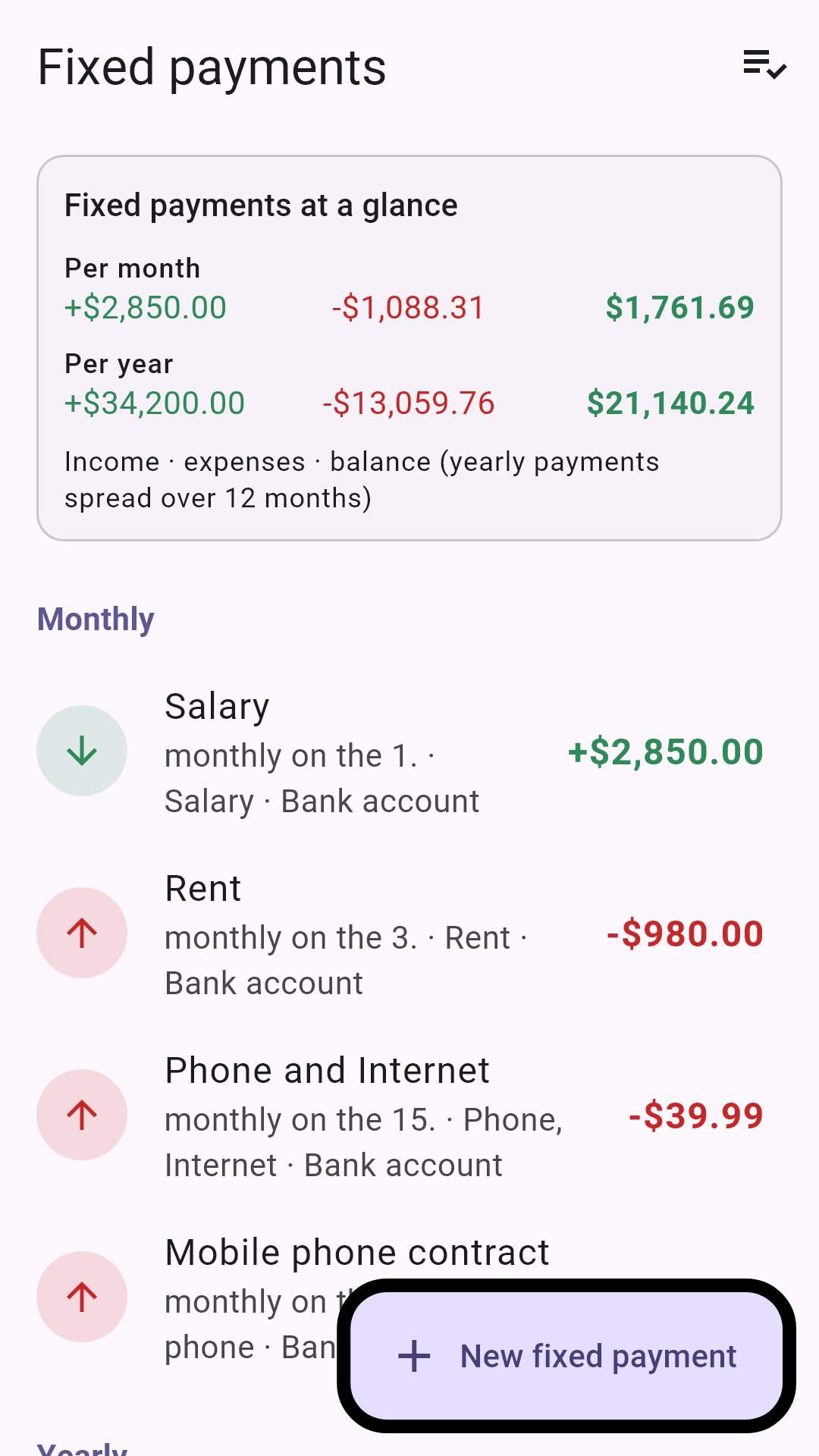
Tutorial 3: One Installer for 104 Languages – Now Also Arabic, Urdu, Persian and Hebrew
Starting with version 2.01.28, Household Budget is available in 104 languages – with a single installer for all of them. New languages include Hindi, Bengali, Tamil, Telugu, Nepali, Sinhala, Khmer, Burmese, Filipino, Swahili, Amharic, Kazakh, Azerbaijani, Armenian, Georgian, Catalan, Basque, Welsh and Icelandic – and four languages written from right to left: Arabic, Urdu, Persian (Farsi) and Hebrew. For these four languages the whole user interface is mirrored.
One installer for all languages
The right-to-left user interface
Instead of a separate installer for each language there is now one file for all languages. When the installer starts, you choose the language; the program name, the Start menu entry and the desktop shortcut appear in that language, and the program starts in it right away. In addition there is an MSI package for deployment in company networks: it installs the program for all users of the computer, and each user chooses the language on first start. You will find both files at the top of this page.
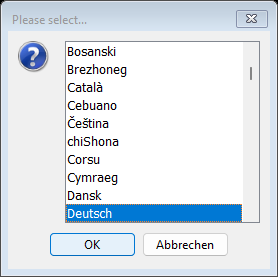
If the program is started without a preset language – for example after installing the MSI package – the selection with all 104 languages appears on first start, each with its own name in its own script, sorted alphabetically (Latin script first, then Greek, Cyrillic, Hebrew, Arabic, the Indian scripts, Thai and the East Asian languages). Your Windows language is preselected. The program remembers your choice.
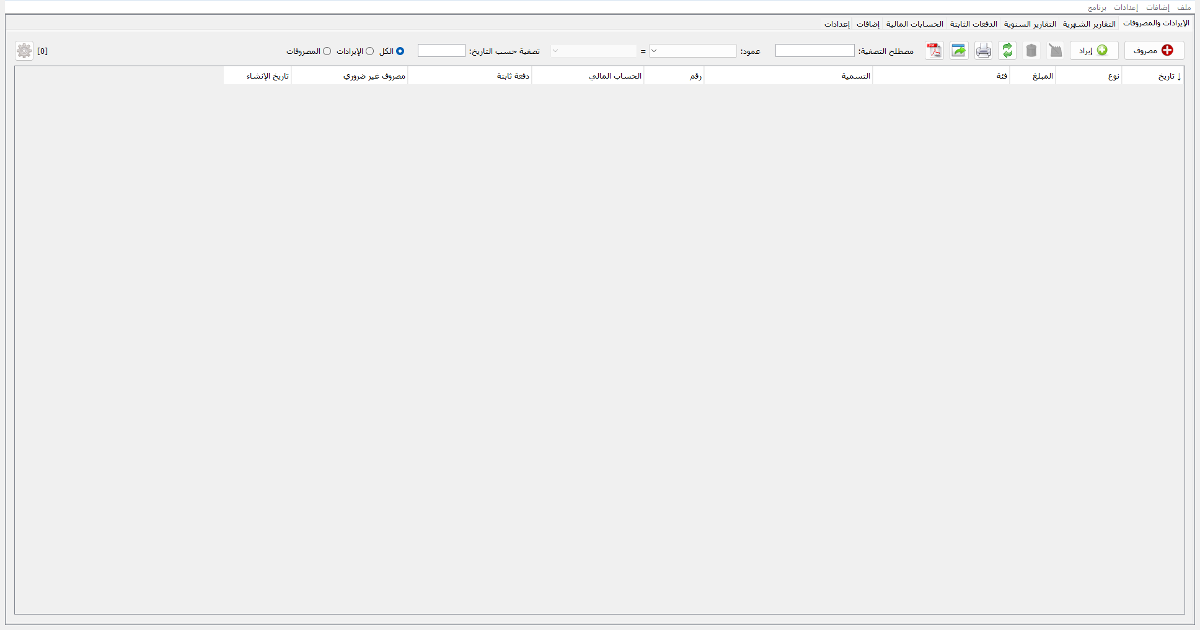
In Arabic, Urdu, Persian and Hebrew the whole program runs from right to left: the menu starts on the right, the tabs are on the right, the first table column is the rightmost one, and buttons and input fields are mirrored. Numbers and dates use the digits 0 to 9 in all languages. This is the income and expenses overview in Arabic:
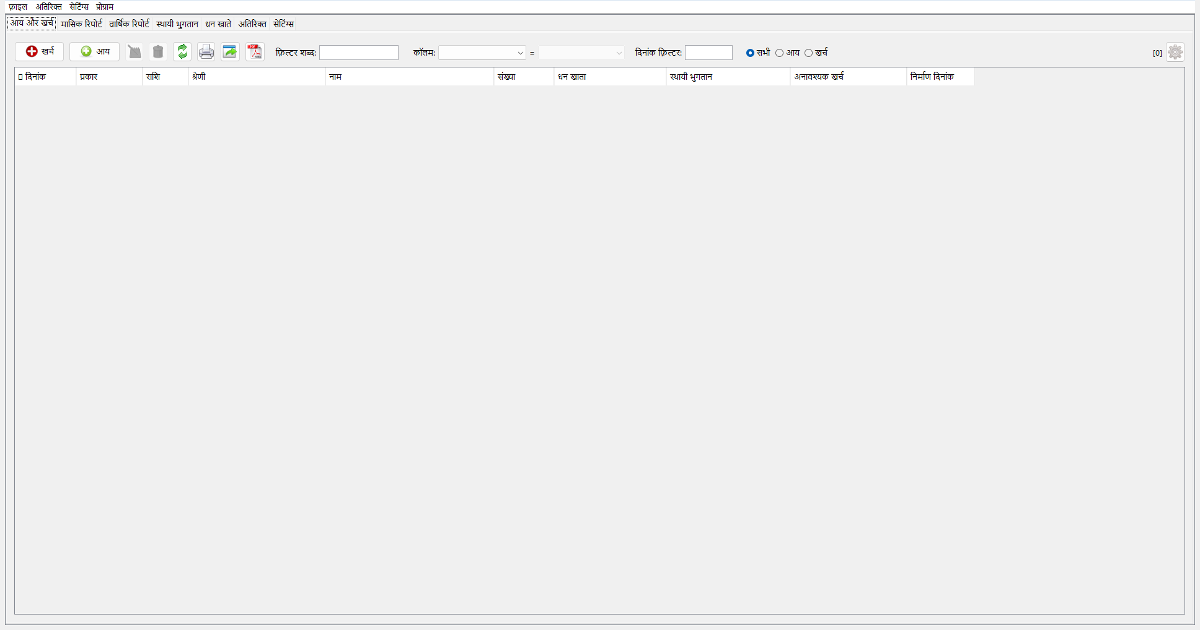
The new Asian and African languages are shown in their own script, for example Hindi:
Your data is kept when you update. Choose the same language in the new installer as in your previous installation – the program is then installed in the same folder and replaces the old version including its shortcuts. You can switch the language at any time: "Settings" menu → "Start program assistant", page "Set the language". The demo version (installer and MSI package) is available at the top of this page.